How it works
Start with a local clip. Review what matters. Leave with files you can inspect and use anywhere.
Choose a local video
Choose a supported video from your device. FrameDigest decodes it in your browser and extracts timestamped JPEG frames locally.
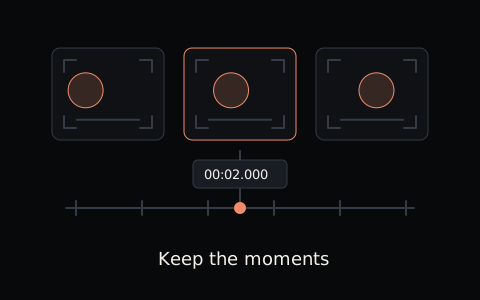
Workflow illustration Review the moments
Review 1 FPS chronological coverage, inspect adaptive visual changes, and add any exact moments you want to keep before exporting.
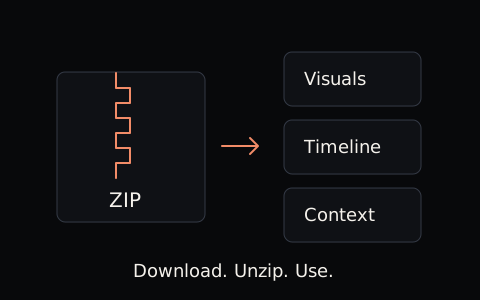
Workflow illustration Take the files with you
Download AI Handoff for compact visual context or Full Evidence for a broader 1 FPS archive. You decide where the exported files go next.
Workflow illustration
Local video processing
FrameDigest decodes the selected video, extracts frames, and builds exports in your browser. Your video and generated media stay on your device unless you choose to move exported files elsewhere.
- Select video
- Decode in browser
- Extract frames locally
- Build exports locally
- Keep files on device
Current limits
The current production envelope is 180 seconds and 32 MiB per video. Browser and codec compatibility depend on what your device can actually decode.
- Maximum video duration
- 180 seconds
- Maximum source file size
- 32 MiB
- Full Evidence sampling
- 1 FPS
- Full Evidence captures one frame per second: up to about 180 frames at the current limit, not every source frame.
- Visual samples do not reproduce all motion, audio or temporal information in the original video.
- Production transcription is deferred. FrameDigest does not transcribe speech, summarize the video or invent transcript files.
- Manual AI Handoff selection is not capped by FrameDigest, and selected moments are not silently dropped. External AI tools may have their own attachment limits.
Privacy
Your selected video, extracted frames, filenames and generated archives stay on your device. Frame extraction and ZIP generation run locally; FrameDigest does not send this media to its servers or call an AI API.
The site still loads application files from FrameDigest infrastructure. Separate bodyless requests maintain aggregate Sessions and Videos digested counters, without media, filenames or persistent user IDs. Normal hosting-level request metadata may exist.
There are no accounts, cloud projects or stored video history. Attaching exported files to another service is your own separate action, subject to that service’s policies.