Choose the export that fits the task
AI Handoff keeps the visual set compact for AI review. Full Evidence keeps a broader 1 FPS chronological record for inspection.
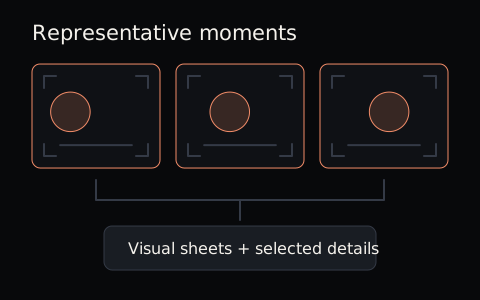
Compact visual context
AI Handoff
A smaller set of timestamped visual sheets plus every moment you select manually. Use it when you want practical video context for ChatGPT, Claude, Gemini, or another vision-capable AI tool.
Best for AI review and focused visual questions.
Chronological visual record
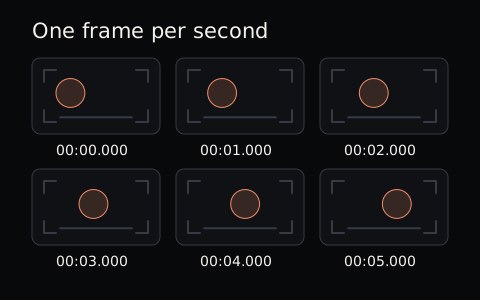
Full Evidence
A fixed 1 FPS archive with timestamped frames and contact sheets. Use it when you want broader chronological coverage without trying to preserve every source frame.
Best for timeline review and broader evidence.
What each export includes
Both packages are generated locally. The difference is how much visual context they keep and how that context is organized.
AI Handoff
Best for AI review and focused visual questions.
- Timestamped visual sheets
- Every manually selected detail
- Context and timeline files
- A ZIP package you can unzip before attaching loose files
View exact AI Handoff package files
context.md- Readable source context and guidance for working with the visual evidence.
visual-sheet-XX.jpg- Timestamped visual sheets that group representative automatic captures.
selected detail JPEGs- One detail image for every manually selected moment, with an ordered, timestamp-aware filename.
timeline.json- Structured chronology and visual-state provenance inside the ZIP.
Full Evidence
Best for timeline review and broader evidence.
- 1 FPS JPEG frame archive
- Timestamped contact sheets
- CSV and timeline context
- Readable extraction context
View exact Full Evidence package files
frames/- Pixel-pristine JPEG frames in chronological order at fixed 1 FPS.
contact-sheets/- Timestamped grids for scanning the timeline before opening individual frames.
frames.csv- The mapping between frame index, source timestamp and filename.
context.md- Readable source context and extraction details.
timeline.json- Structured timeline evidence and provenance.
Timestamps and visual detail
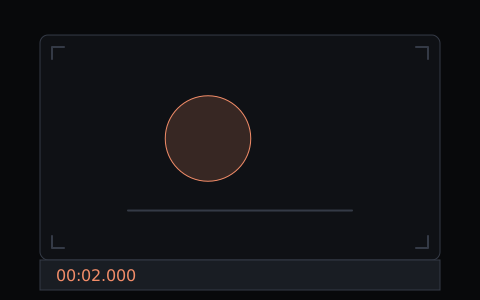
Timestamps locate visuals in the source video. Chronological filenames retain that reference, for example frame_0001_00-00-00-000.jpg.
AI-facing detail images can include an optional MM:SS.mmm timecode footer, enabled by default. Full Evidence frames remain pixel-pristine.
No transcript.vtt or transcript.txt is included while production transcription is deferred. These packages are visual source material: they do not preserve every motion or sound, or guarantee how an AI tool will interpret the video.

Export boundaries
FrameDigest creates visual source material, not an AI answer or a transcript.
- Full Evidence keeps one frame per second, not every source frame.
- AI Handoff preserves compact automatic coverage plus every manually selected moment.
- Production transcription is deferred, so no transcript files are generated.
- FrameDigest does not upload your selected video or send exports to an AI provider. Attaching files elsewhere is your separate choice.